
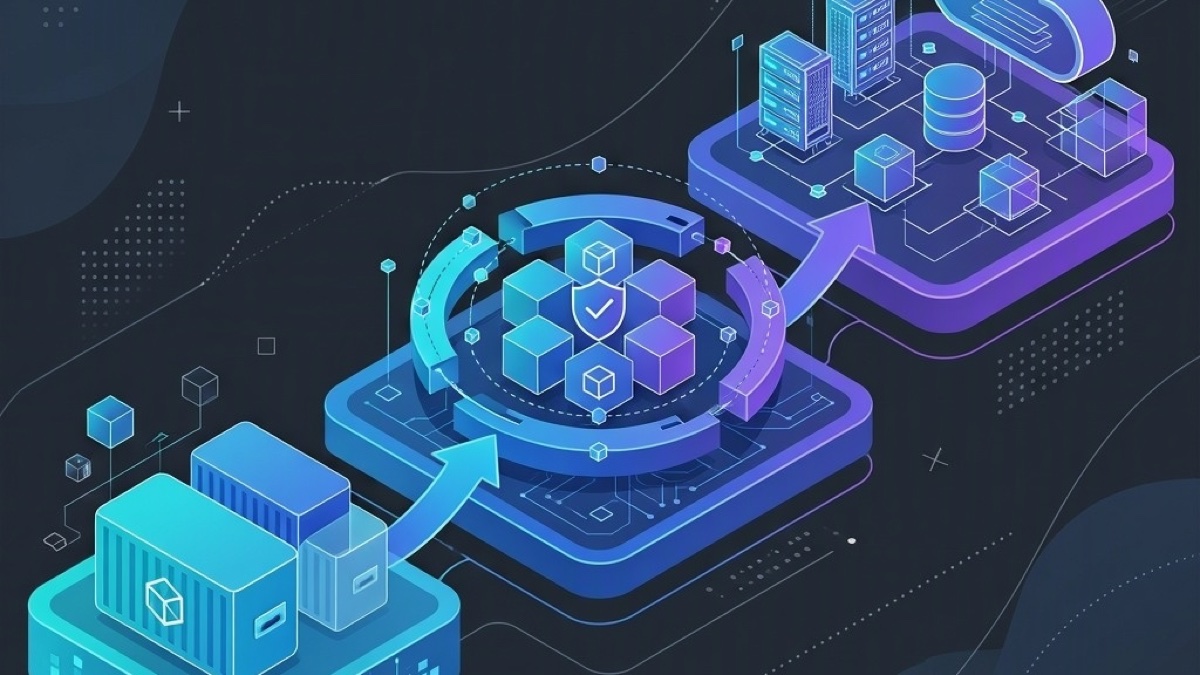
Docker, Kubernetes, or Terraform First? DevOps Order
Docker, Kubernetes, or Terraform First? The Right DevOps Learning Order
Look at almost any DevOps, Cloud Engineer, or Platform Engineering job posting in the US, UK, Canada, or Australia and the same three keywords jump off the page: Docker, Kubernetes, and Terraform.
Naturally, beginners ask which one pays the highest salary and try to jump straight into Kubernetes—because CKA and Kubernetes look impressive on a resume. Three weeks later, they are staring at CrashLoopBackOff, failing ImagePullBackOff errors, and YAML manifests they cannot debug because they skipped container fundamentals, Linux networking, and basic cloud IAM.
These three tools are not interchangeable alternatives. Each solves a distinct layer of the delivery stack, and learning them in the wrong order multiplies confusion. Follow this dependency-driven sequence instead.
What Each Tool Actually Owns (and Why Order Matters)
Before writing a single YAML or HCL file, separate the responsibilities clearly:
| Tool | Layer It Owns | Core Problem It Solves | Prerequisite Knowledge |
|---|---|---|---|
| Docker | Application packaging & single-host runtime | "Works on my machine" → reproducible images & local multi-service stacks | Linux CLI, processes, ports, env vars, HTTP |
| Terraform | Cloud infrastructure provisioning (IaC) | Clicking around AWS/Azure/GCP consoles → version-controlled VPCs, IAM, DBs, clusters | Basic cloud networking (VPC, subnets, security groups) & IAM |
| Kubernetes | Multi-node container orchestration | Running containers reliably across servers with rolling deploys, healing & service discovery | Docker + networking (DNS, load balancers, TLS) + basic cloud infra |
Notice the dependency graph:
- Docker teaches you how a single application runs inside an isolated container, exposes ports, reads environment variables, and persists volumes.
- Terraform teaches you how to provision the cloud infrastructure (networks, databases, object storage, IAM roles, or even managed Kubernetes clusters) cleanly and repeatably.
- Kubernetes orchestrates containers (built with Docker) running on cloud infrastructure (often provisioned with Terraform).
Step 0 (Week 1): Do Not Skip Linux & Networking Basics
If you cannot explain what happens when a browser requests https://api.example.com or why 127.0.0.1 inside a container is not your laptop's 127.0.0.1, Kubernetes will feel like black magic. Spend one focused week sharpening:
- Linux basics:
ssh, systemd/services, process inspection (ps,top), logs (journalctl), file permissions, and environment variables. - Networking essentials: IPv4 CIDR blocks (
/16,/24), DNS resolution, TCP ports, reverse proxies (Nginx/Caddy), andcurl/dig/sstroubleshooting.
Step 1 (Weeks 2–3): Master Docker & Compose First
Start with Docker because every modern backend, CI pipeline, and Kubernetes pod relies on container images under the hood.
Focus on Practical Skills (Skip Obscure Flags)
- Write clean
Dockerfiles from scratch: UnderstandFROM,WORKDIR,COPY,RUN,EXPOSE,ENV,CMDvsENTRYPOINT, and layer caching (why copyingpackage.jsonbefore source code makes builds 10× faster). - Multi-stage builds: Shrink a 900 MB Go/Node/Java build image down to a 50–120 MB production runtime image and run as a non-root user.
- Docker Compose for local stacks: Wire up a real backend API + PostgreSQL + Redis with named volumes, healthchecks, and isolated bridge networks.
- Debugging containers: Practice
docker logs,docker exec -it, and inspecting bridge network DNS (apitalking topostgres:5432).
Milestone before moving on: Take a small API you wrote (or a simple FastAPI/Express app), containerize it with a multi-stage Dockerfile, verify it talks to Postgres via docker compose up, and push the image to GitHub Container Registry (ghcr.io) or Docker Hub.
Step 2 (Weeks 4–6): Learn Terraform (Infrastructure as Code)
Why learn Terraform before Kubernetes? Two practical reasons:
- Faster job-market leverage: Far more mid-sized companies use Terraform + managed services (AWS ECS/Fargate, RDS, S3, Cloud Run, Azure App Service) than run self-managed Kubernetes clusters. Knowing Terraform immediately makes you useful on cloud teams.
- Safe cloud cleanup: When you eventually experiment with Kubernetes (
EKS,AKS, orGKE), provisioning and destroying the cluster withterraform applyandterraform destroyprevents $150 surprise cloud bills from forgotten NAT gateways or load balancers.
Focus on Core Terraform Workflows
- State management: Understand
terraform.tfstate, remote state locking (e.g., S3 + DynamoDB or GCS), and why never to commit.tfstateor secrets to Git. - Core HCL blocks:
provider,resource,data,variable,output, andlocals. - Plan before apply: Read
terraform plancarefully to spot destructive replacements (-/+) before runningapply. - Reusable modules: Extract a clean VPC + security group or S3 + IAM module rather than copy-pasting 400 lines across environments.
Milestone before moving on: Provision an S3 bucket (or Azure Storage), a custom VPC with public/private subnets, and a single container service or VM using Terraform—and cleanly tear it all down with terraform destroy.
Step 3 (Weeks 7–10): Tackle Kubernetes With Real Context
Once containers and cloud networking feel natural, Kubernetes clicks twice as fast because you already understand what a Pod is wrapping and what a LoadBalancer Service provisions in AWS/Azure/GCP.
Learn Locally First (kind or k3d), Not Expensive Cloud Clusters
- Core objects first:
Pod,Deployment,ReplicaSet,Service(ClusterIP,NodePort,LoadBalancer),Ingress,ConfigMap, andSecret. - Reliability & probes: Configure
livenessProbe,readinessProbe, and CPU/memoryrequests&limits—and watch what happens when you set a memory limit too low (OOMKilled). - Debugging flow: Master the four commands you will run every week on the job:
kubectl get pods -o widekubectl describe pod <name>kubectl logs <pod> --previouskubectl exec -it <pod> -- sh
- Packaging: Once raw YAML makes sense, learn Helm basics (values overrides and chart inspection) so you can deploy real tools cleanly.
Putting All Three Together in One Portfolio Project
Skip isolated toy exercises. Build one cohesive GitHub repository that proves you understand the full boundary between all three tools:
- App + Docker: A containerized REST API with
/healthand/readyendpoints, multi-stageDockerfile, and GitHub Actions CI pushing a versioned image tag. - Infra + Terraform: Terraform configuration provisioning the cloud network, managed database or storage, and container runtime (ECS/Cloud Run or managed K8s).
- Orchestration + Kubernetes (if targeting Platform/SRE): Deployment + Service + Ingress manifests deploying your exact container image locally in
kind(and optionally to a short-lived cloud cluster) with documented rollback steps.
Recommended Study Resources by Stage
Match your learning resource to the hands-on stage you are in:
- For interactive cloud & DevOps labs: Pluralsight Skills shines for structured Docker, Terraform, and CKA/Kubernetes learning paths with sandboxed environments so you can practice
kubectland HCL safely. - For affordable, step-by-step deep dives & cert prep: High-rated Udemy courses on Docker, HashiCorp Terraform Associate, and Certified Kubernetes Administrator (
CKA)—often available for ~$12–$15 during sales—give thorough command-line walkthroughs and practice labs you can keep as a reference.
Resist the urge to memorize Kubernetes YAML on day one. Spend two weeks mastering Docker, three weeks provisioning real cloud resources with Terraform, and four weeks orchestrating workloads in Kubernetes—and every layer will reinforce the one beneath it.
Recommended Paid Learning Platforms & Certifications
Affiliate disclosure — we may earn a commissionUdemy Flash Sales (Up to 85% Off)
Top-rated courses in Python, Cloud, AI & Web Dev starting around $11.99.
Coursera Plus
Unlimited access to 7,000+ Google, Meta, IBM & AWS professional certificates.
DataCamp
Hands-on interactive tracks for Python, SQL, Machine Learning & TensorFlow.


